dashboard
See product delivery for one advertiser
activeThe Product delivery report in Performance shows delivery by product. Filter it to the advertiser you need.
Steps
-
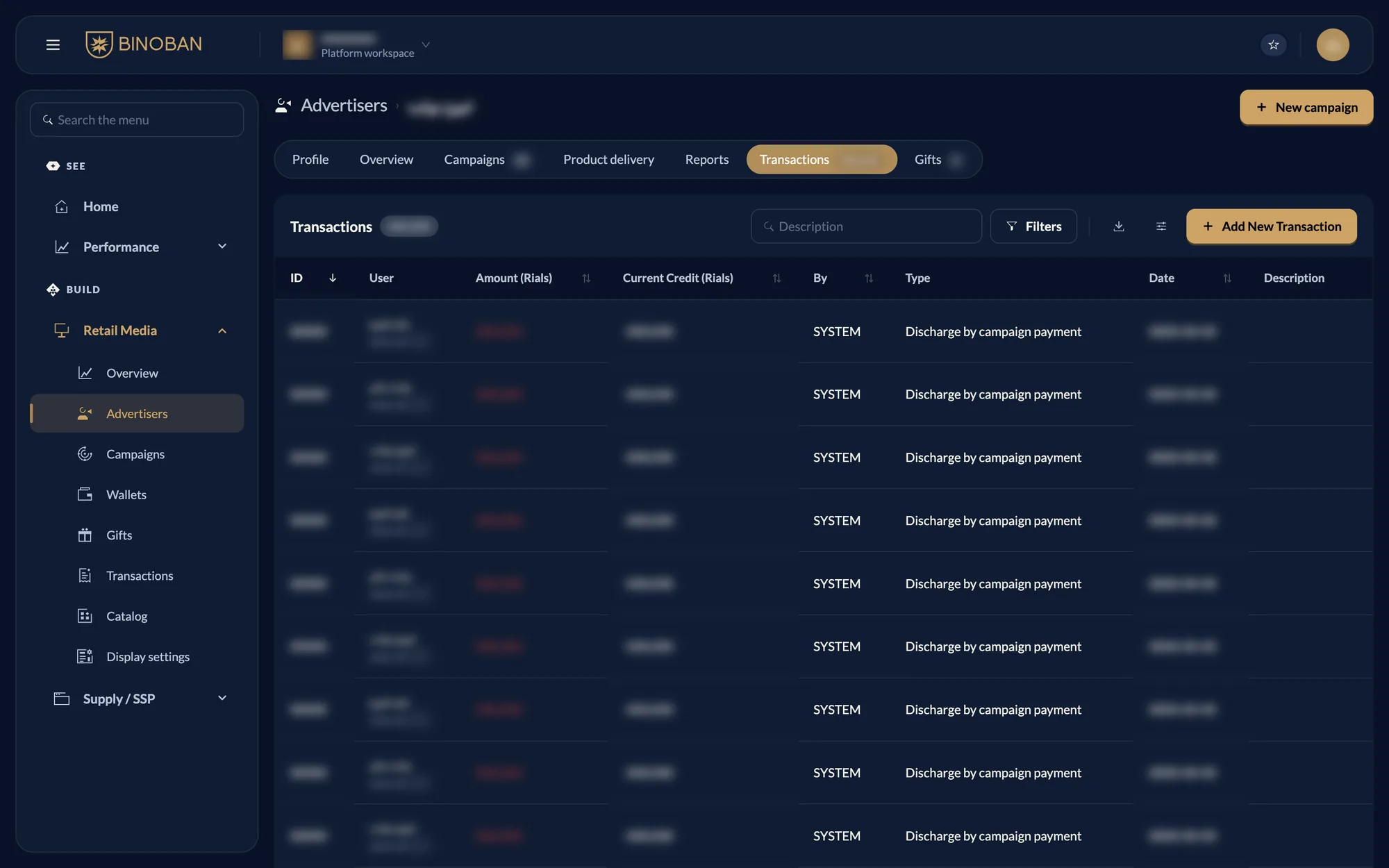
On the advertiser's Transactions tab, note the User ID shown under their name.
-
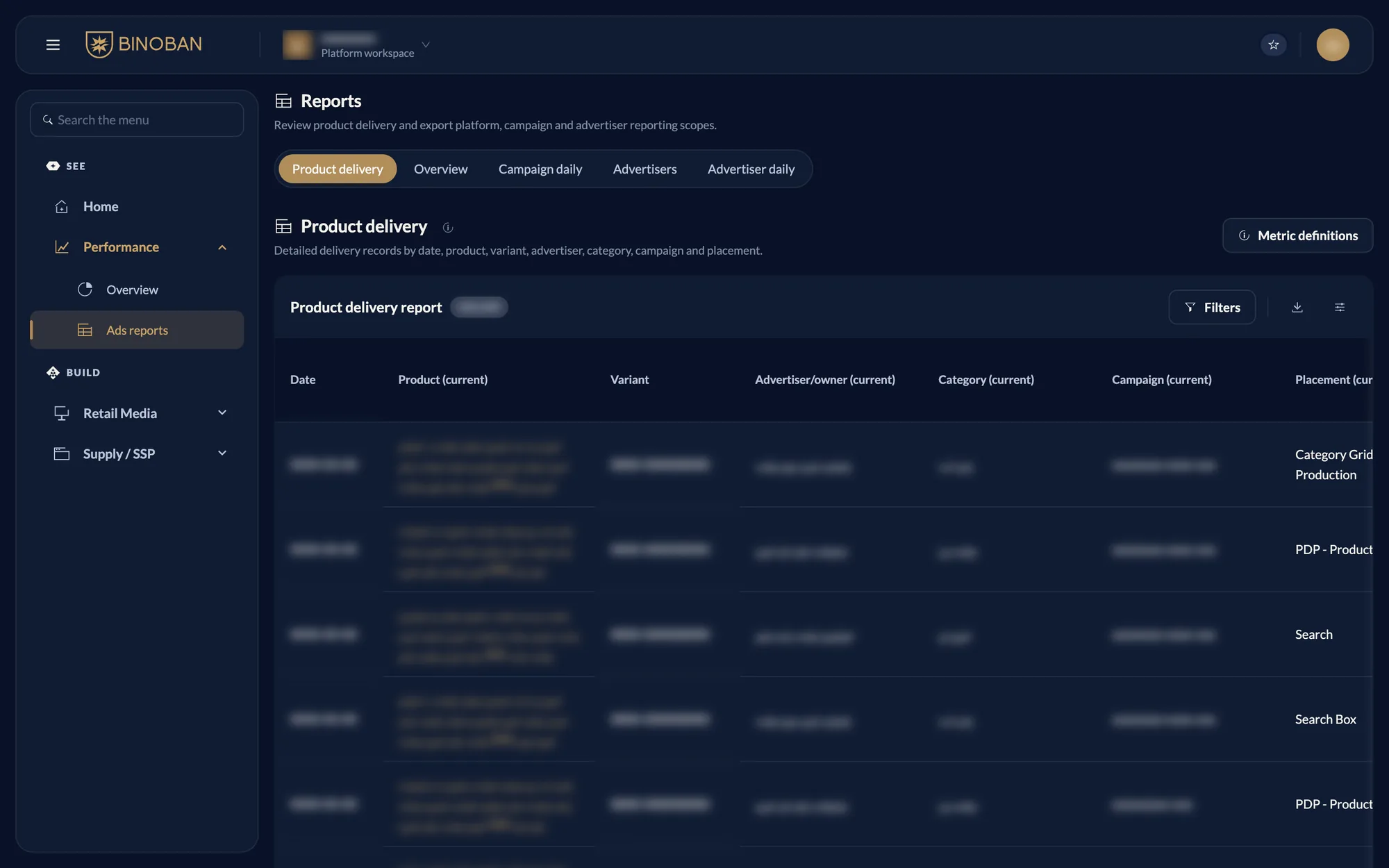
Go to Performance → Ads reports. Product delivery is the first tab.
-
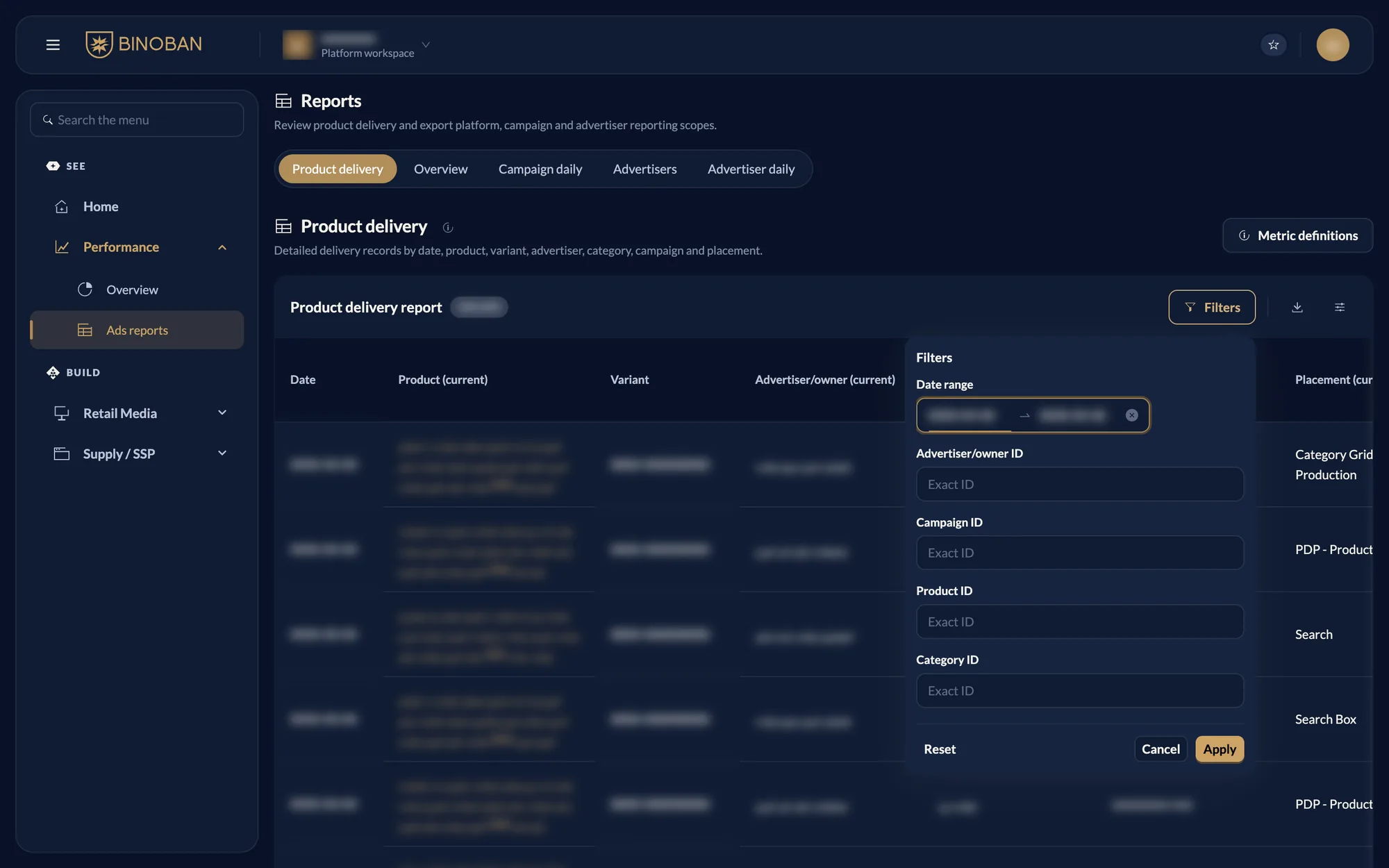
Press Filters, enter that number under Advertiser/owner ID, and press Apply.
-
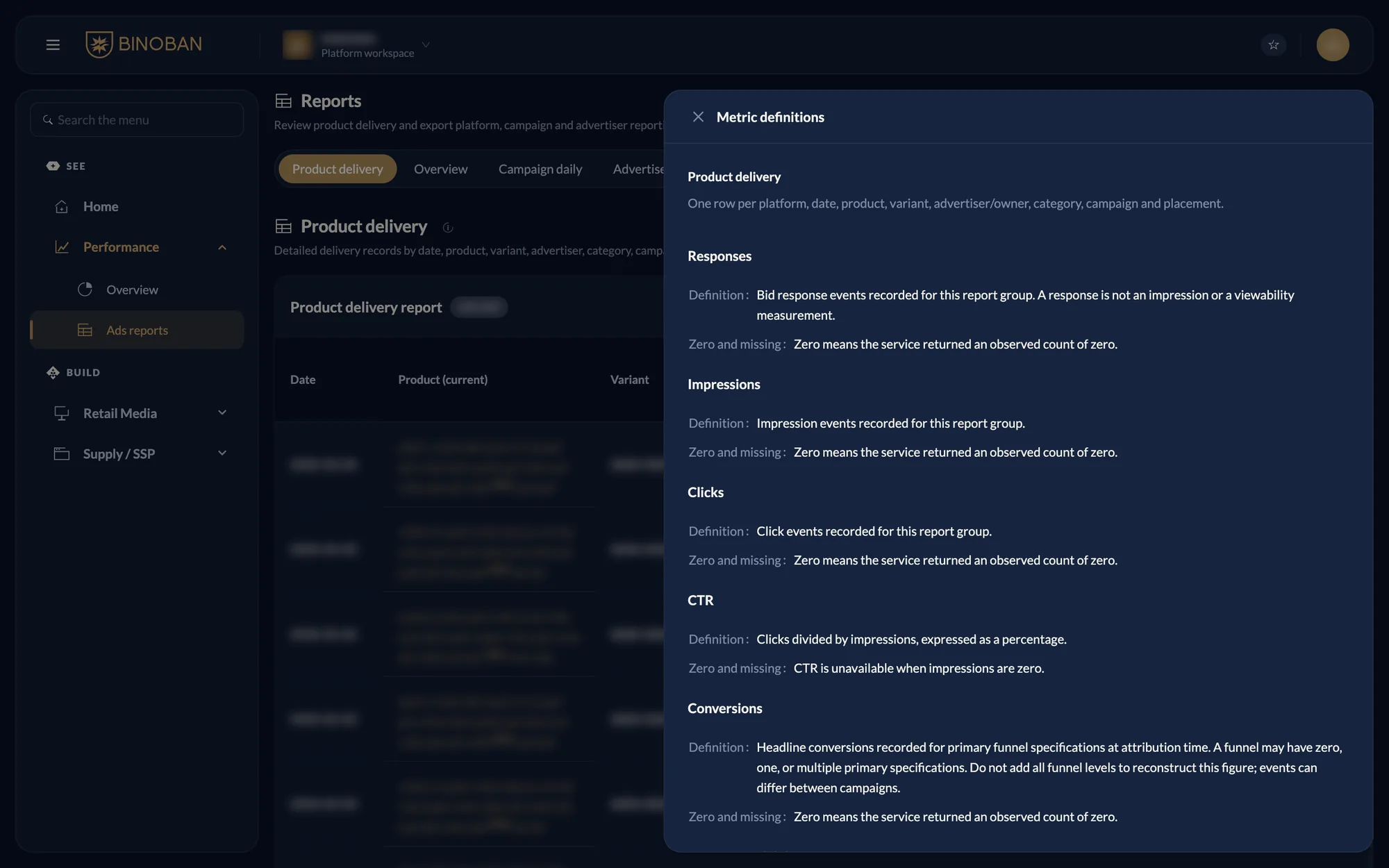
Read the rows. Each row is one date, product, variant, advertiser, category, campaign and placement. Press Metric definitions to see what each number means.