dashboard
Charge or discharge a wallet
activeCharging adds money to a user's wallet, and discharging removes it.
Steps
- Go to Retail Media → Wallets and search by the user's email.
- Press Charge or Discharge on their row.
- Check the user's name at the top of the form.
- Enter the amount in Rials, check the type and write a description.
- Press Submit.
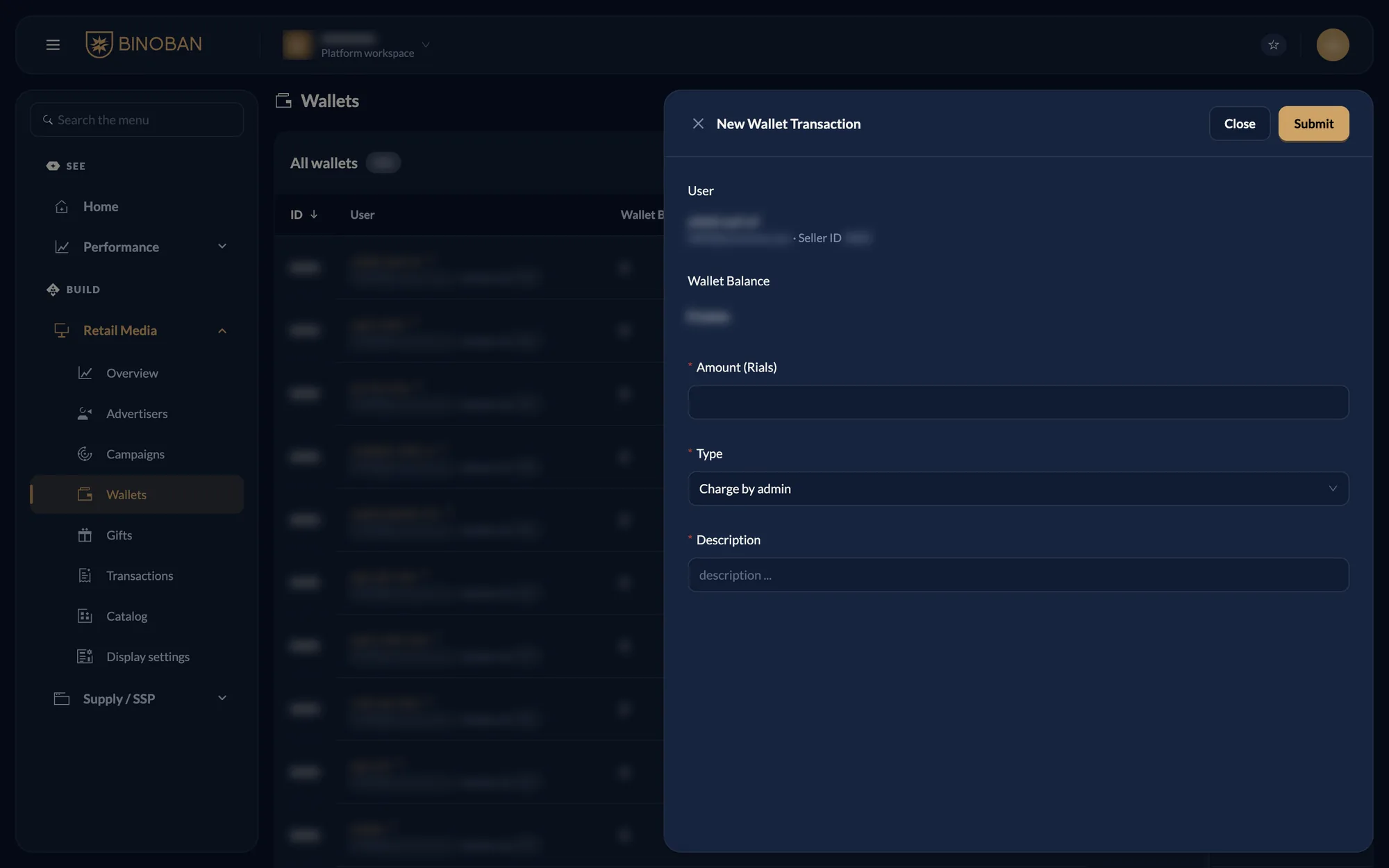
You can also press Charge wallet on the advertiser's page. Every charge and discharge appears in Transactions.