dashboard
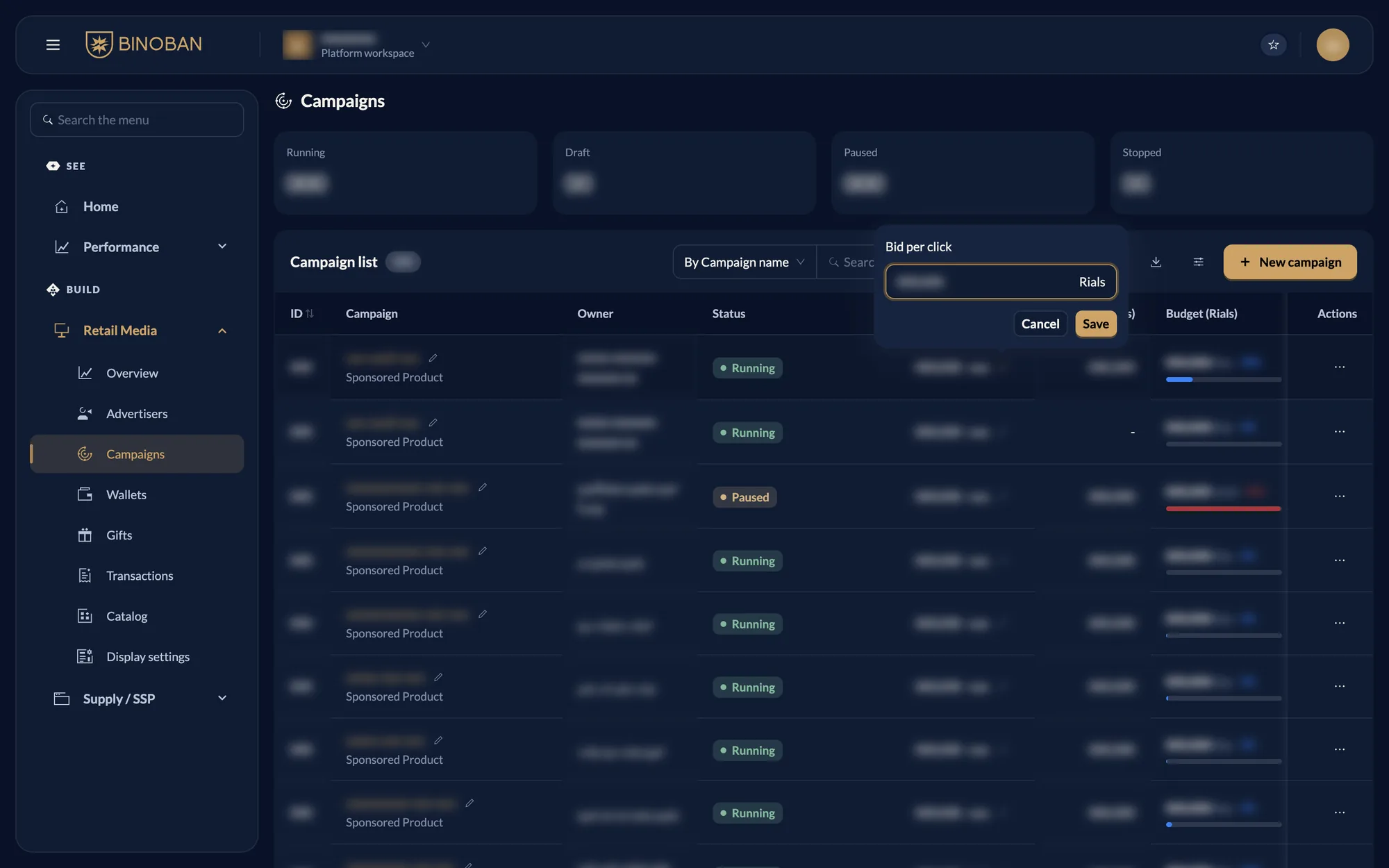
Change a bid or budget
activeThe quickest way is the pencil in the campaign list.
Steps
- Go to Retail Media → Campaigns.
- Press the pencil beside the bid or budget.
- Type the new value and press Save.
The bid must stay inside the limits in Display settings.
To change anything else, use Actions → Edit, change the step, then press Next step through to Finish.