dashboard
Pause, resume or stop a campaign
activeThese are on each row's menu, and in the Actions menu on the campaign's page.
Steps
- Press the three dots at the end of the row.
- Choose Pause, Resume or Stop.
- Press Yes to confirm.
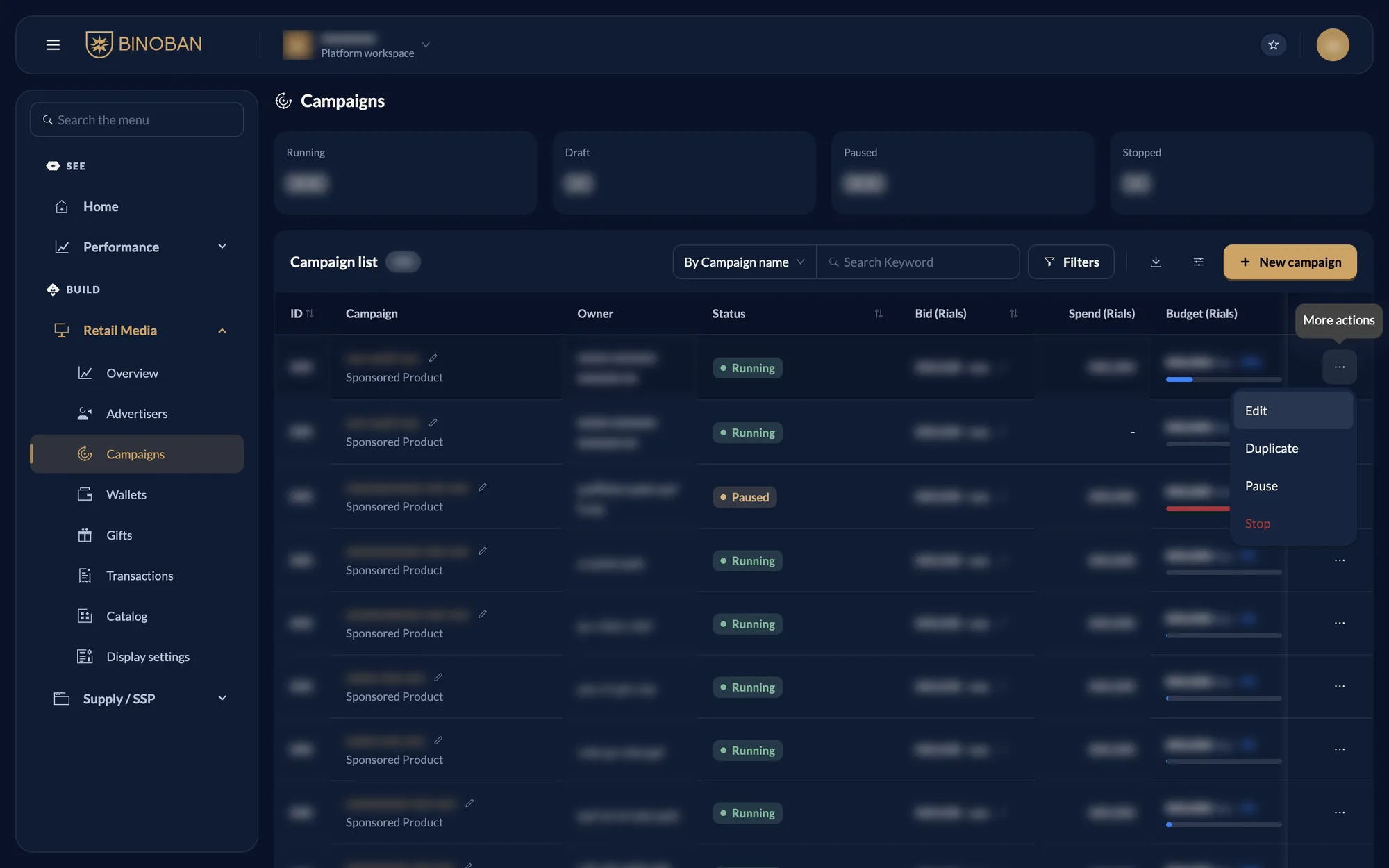
What each action does
The menu lists only what this campaign can do now and what your role allows.
| Action | When you can use it | What it means |
|---|---|---|
| Pause | Running | Stops spending and showing ads until you resume |
| Resume | Paused | Starts it again |
| Stop | Upcoming, Running or Paused | Ends it. A stopped campaign can't be resumed or edited |
| Duplicate | Any status | Starts a new campaign from a copy |
| Delete | Draft | Removes the draft |