dashboard
See how a slot performs
activeSteps
- Go to Supply / SSP → Slots and press the kind, such as Product.
- Press the slot's name.
- On Overview, set the date range, and pick a place if you want just one.
- Read the cards, then the Ads Report for the day-by-day numbers.
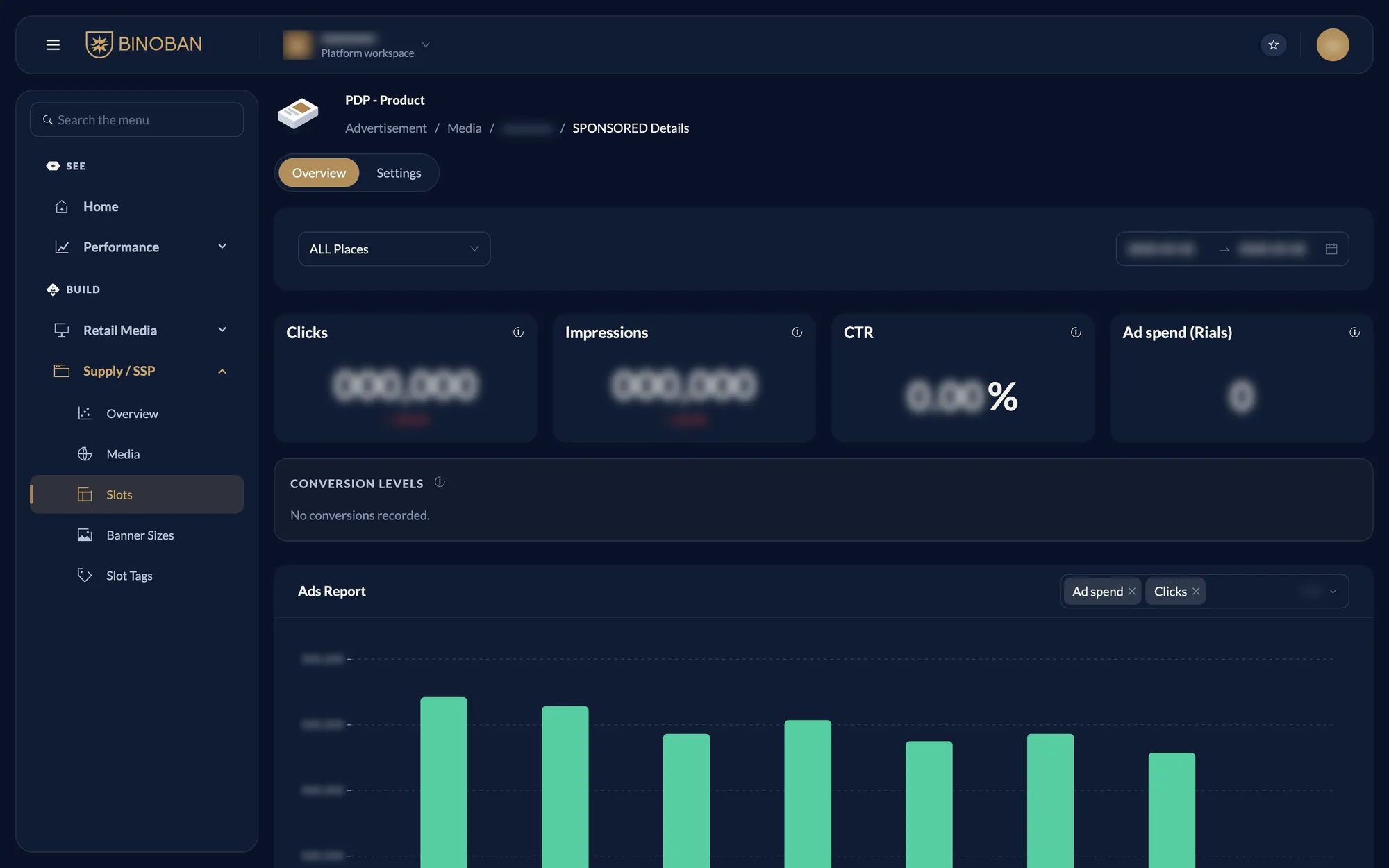
See A slot's page for what the page holds.