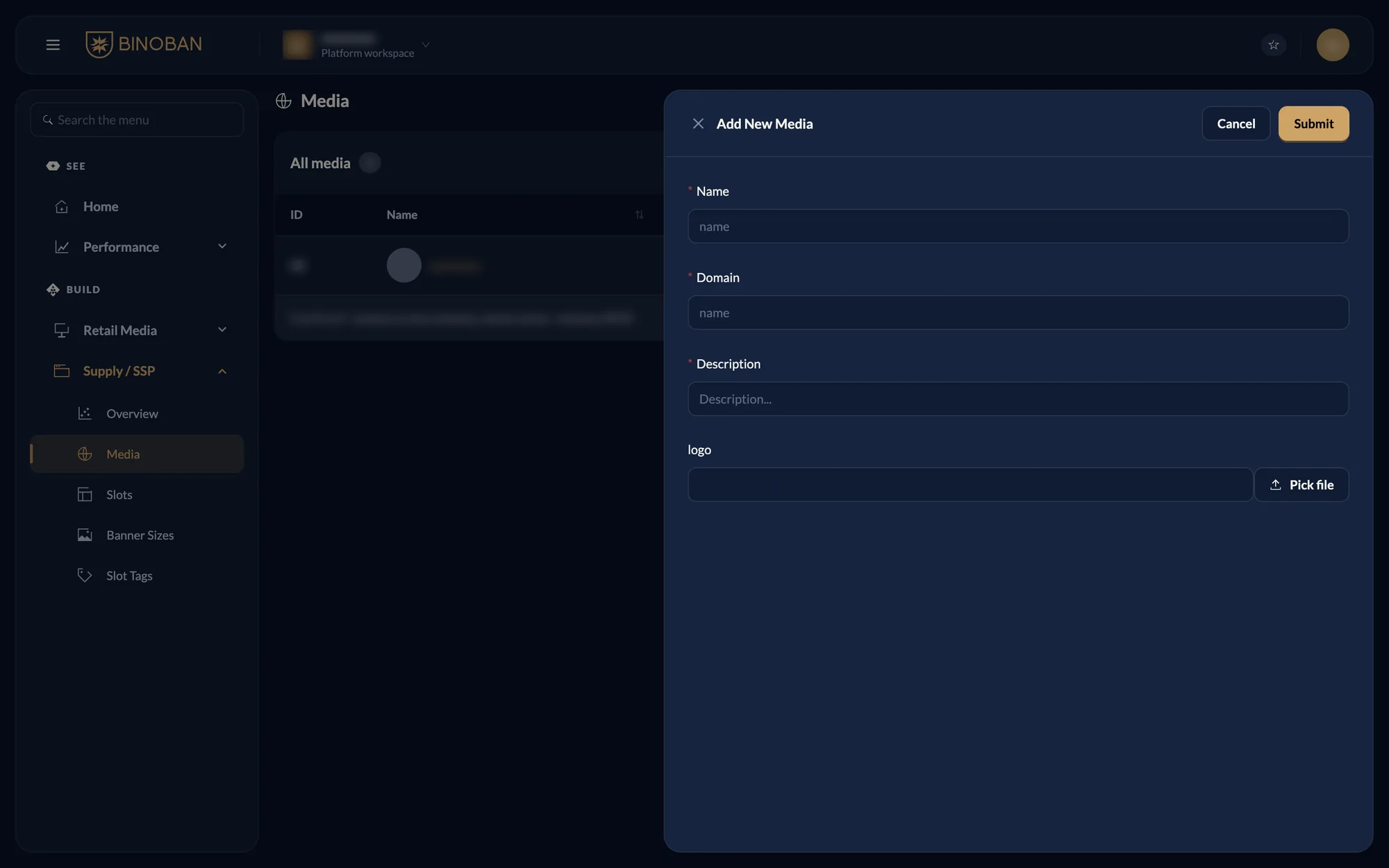
Activate Retail MediaDashboard guideSupply tasksAdd a mediaOn this pagedashboardAdd a mediaactiveAudience: retail mediaUpdated 2026-11-03Copy for LLMSteps Go to Supply / SSP → Media and press Add New Media. Enter the name, domain and description. Press Pick file to add a logo. Press Submit.