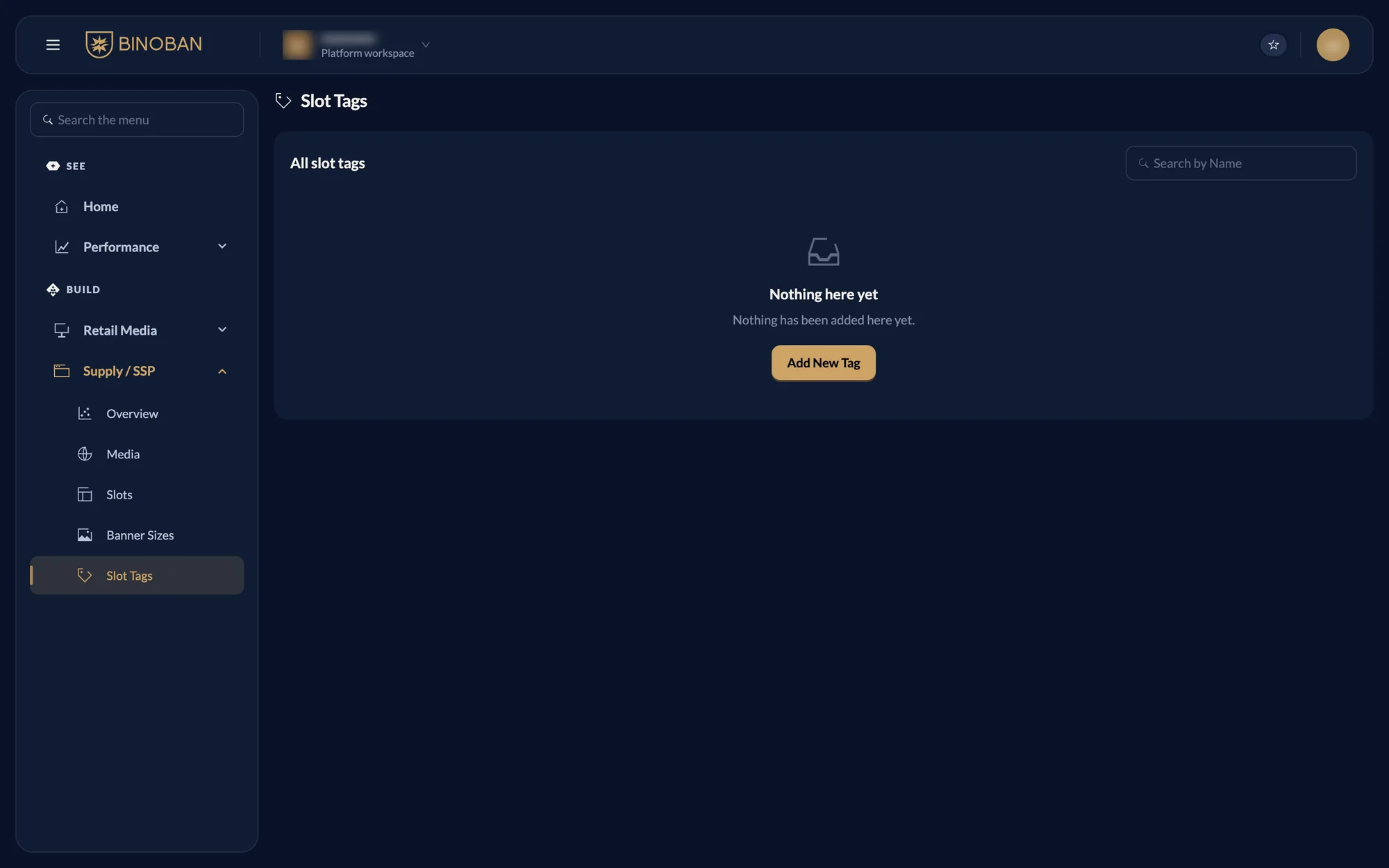
dashboard
Supply / SSP pages
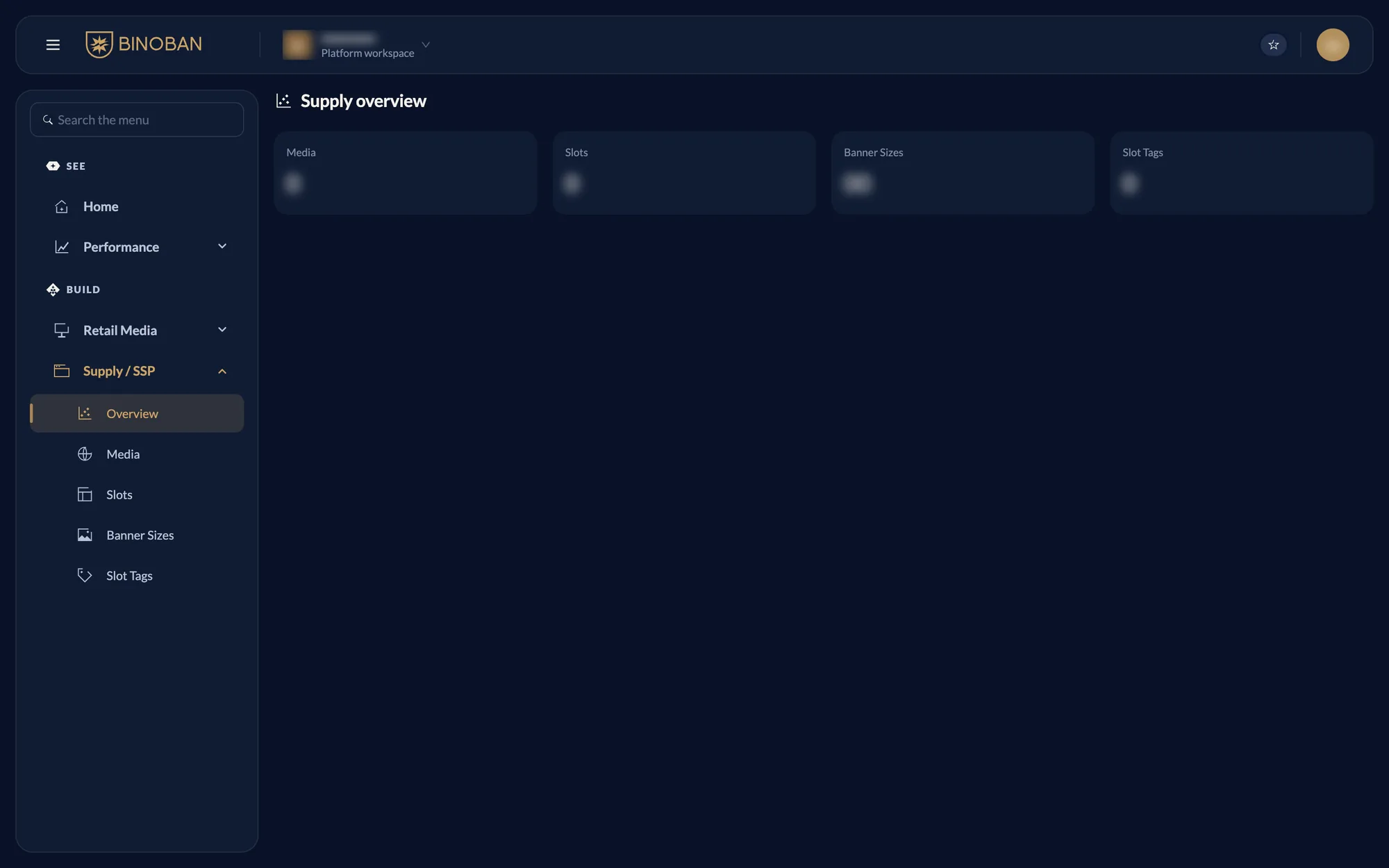
activeSupply / SSP is where ads can show: your site, the slots on its pages, and the banner sizes and tags those slots use. It has five pages.
Overview
Counts what is set up today: media, slots, banner sizes and tags.
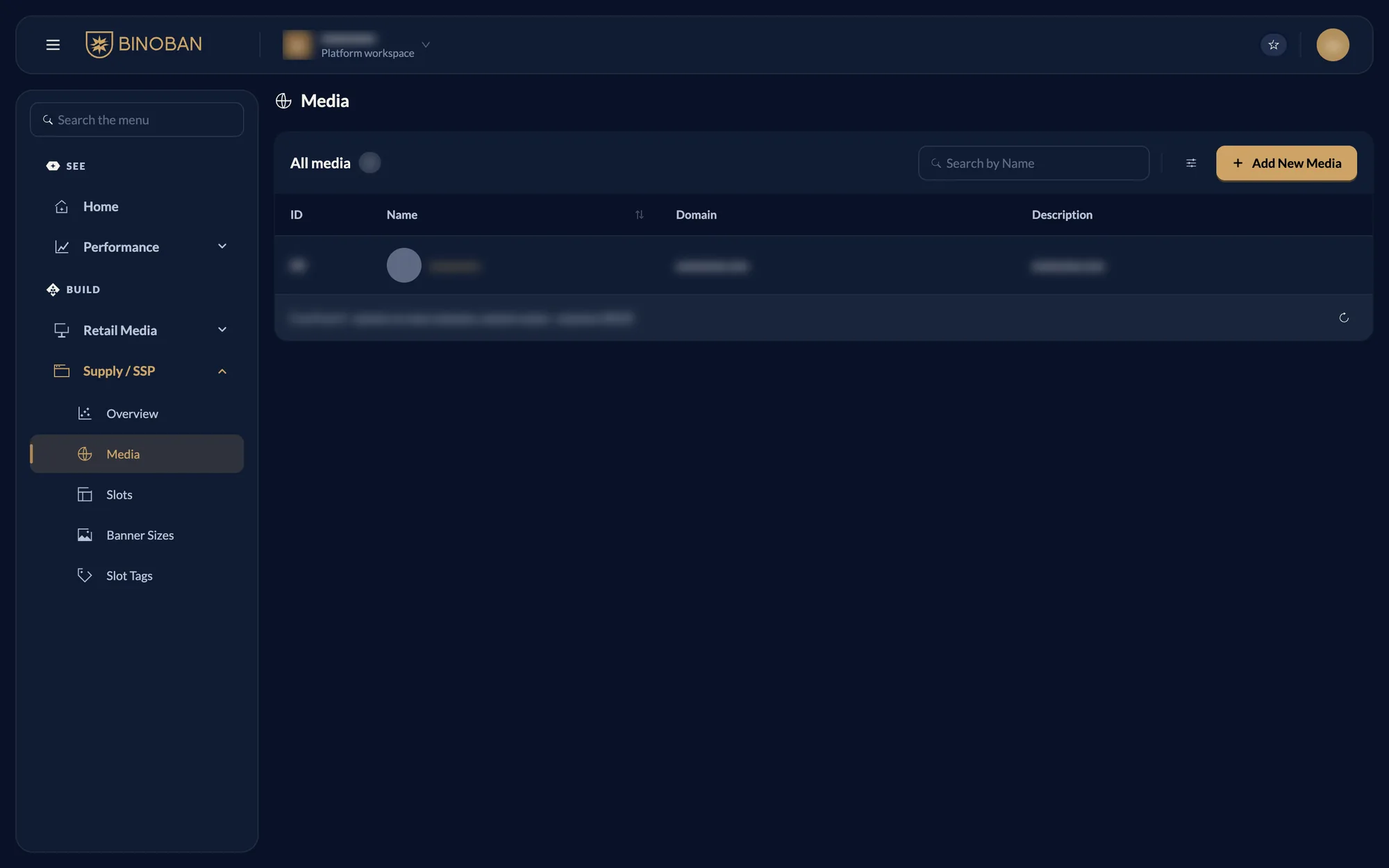
Media
Lists the sites that show ads.
Slots
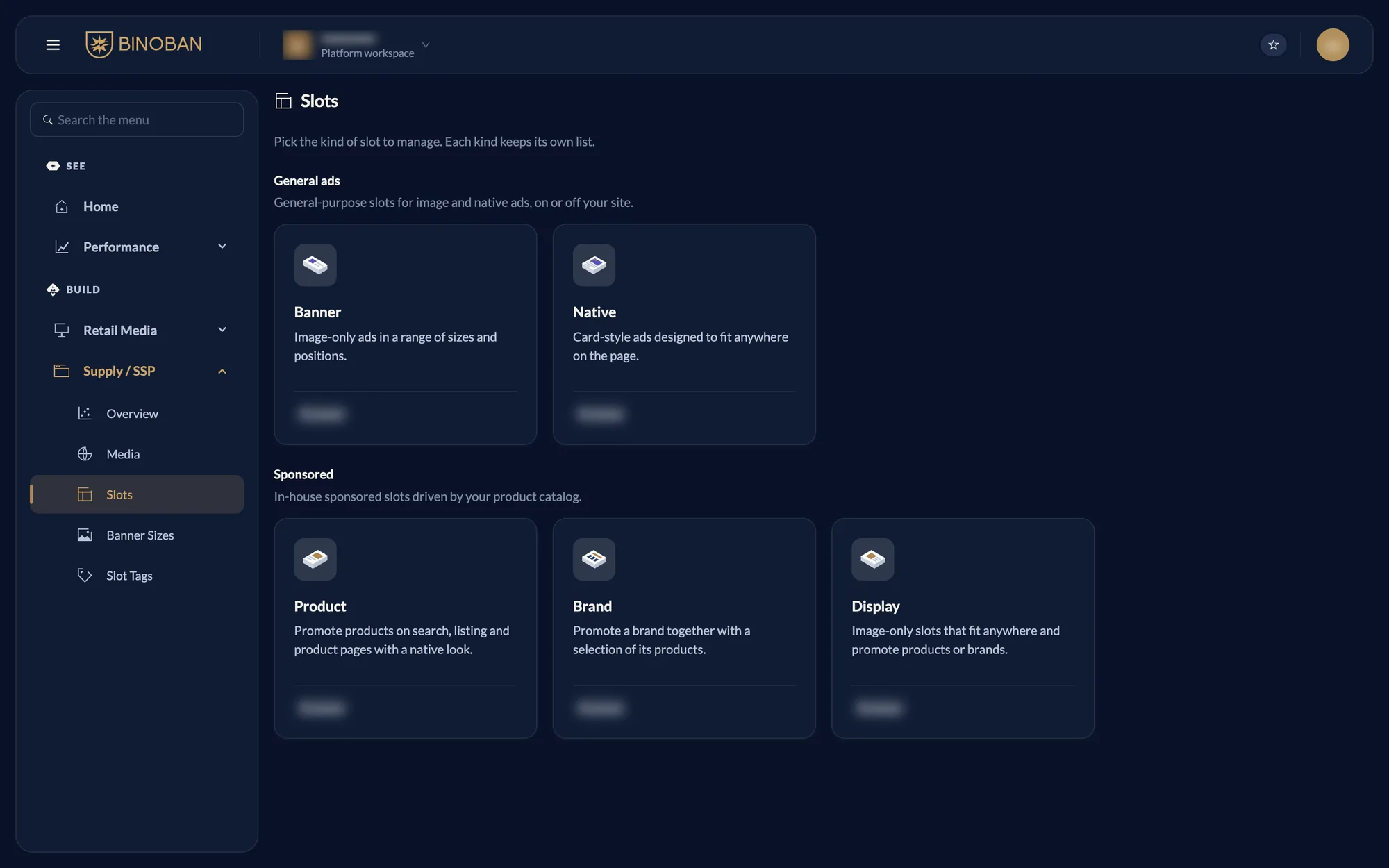
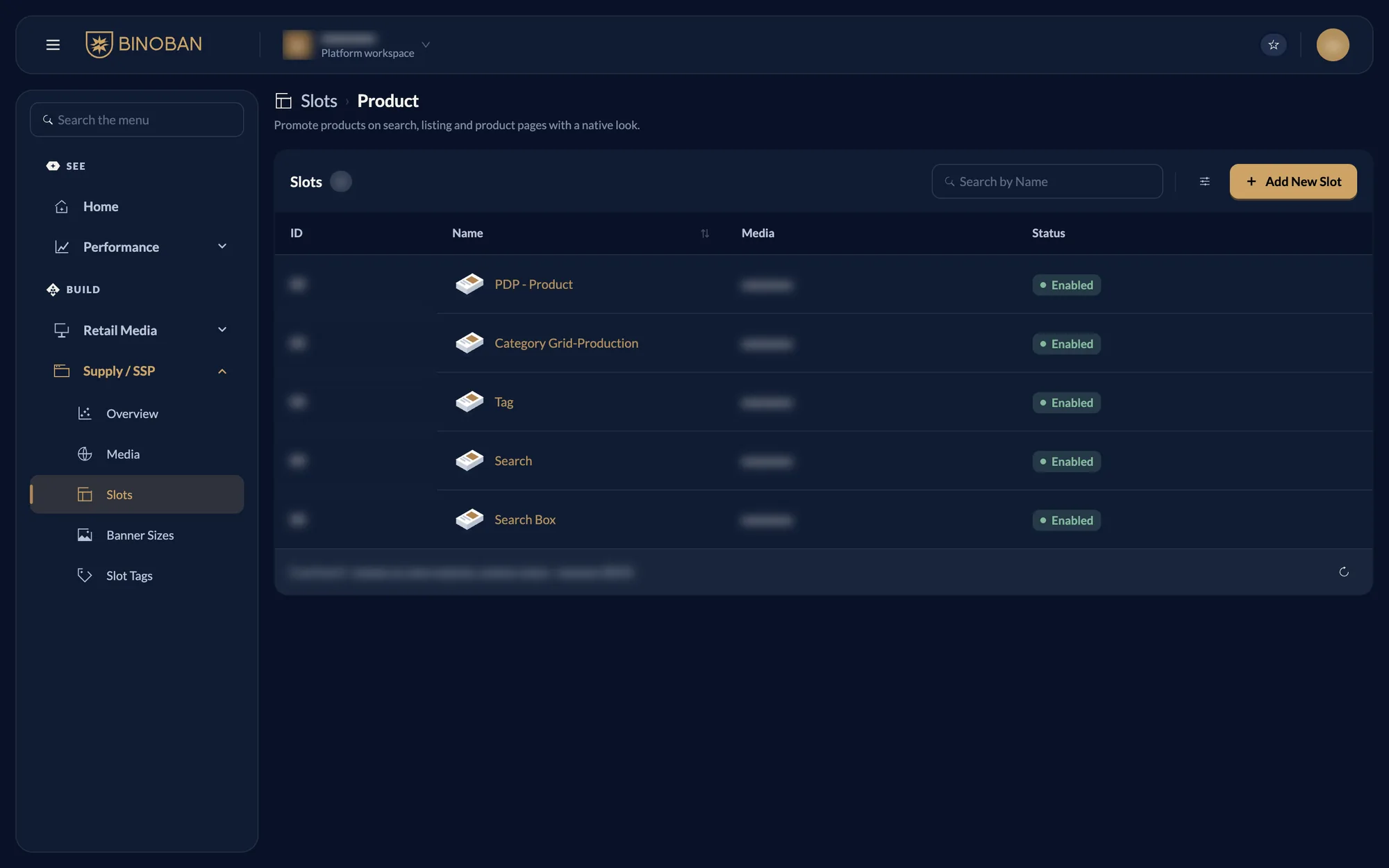
A slot is a place on a site where ads appear. Slots opens on a choice of kinds, and each kind keeps its own list.
| Group | Kind | What it is for |
|---|---|---|
| General ads | Banner | Image-only ads in a range of sizes and positions |
| General ads | Native | Card-style ads designed to fit anywhere on the page |
| Sponsored | Product | Products on search, listing and product pages, with a native look |
| Sponsored | Brand | A brand together with a selection of its products |
| Sponsored | Display | Image-only slots that promote products or brands |
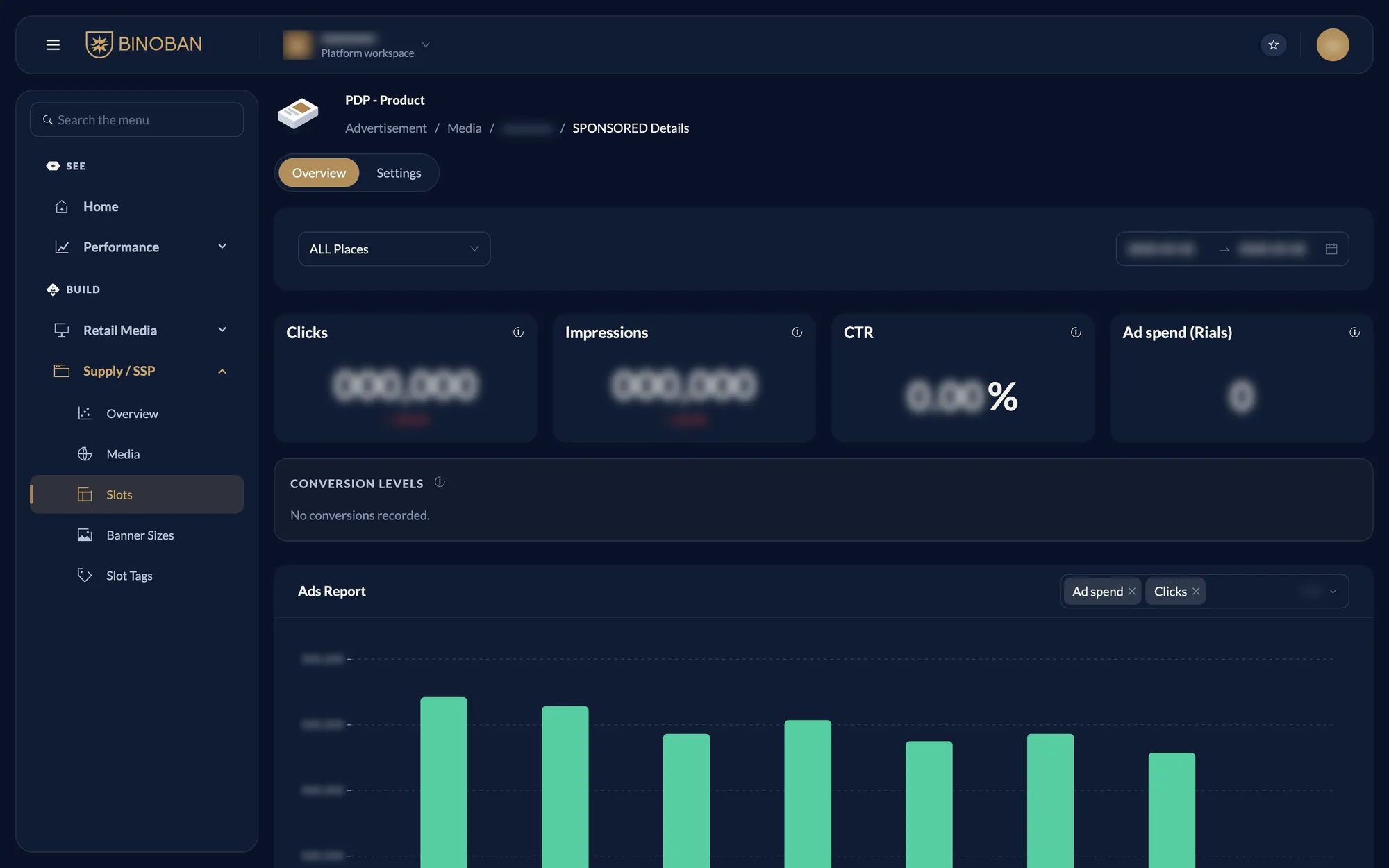
A slot's page
Press a slot's name to open its page.
- Overview: clicks, impressions, CTR, conversion levels and the Ads Report for a date range. The dropdown narrows it to one place.
- Settings: the slot's details.
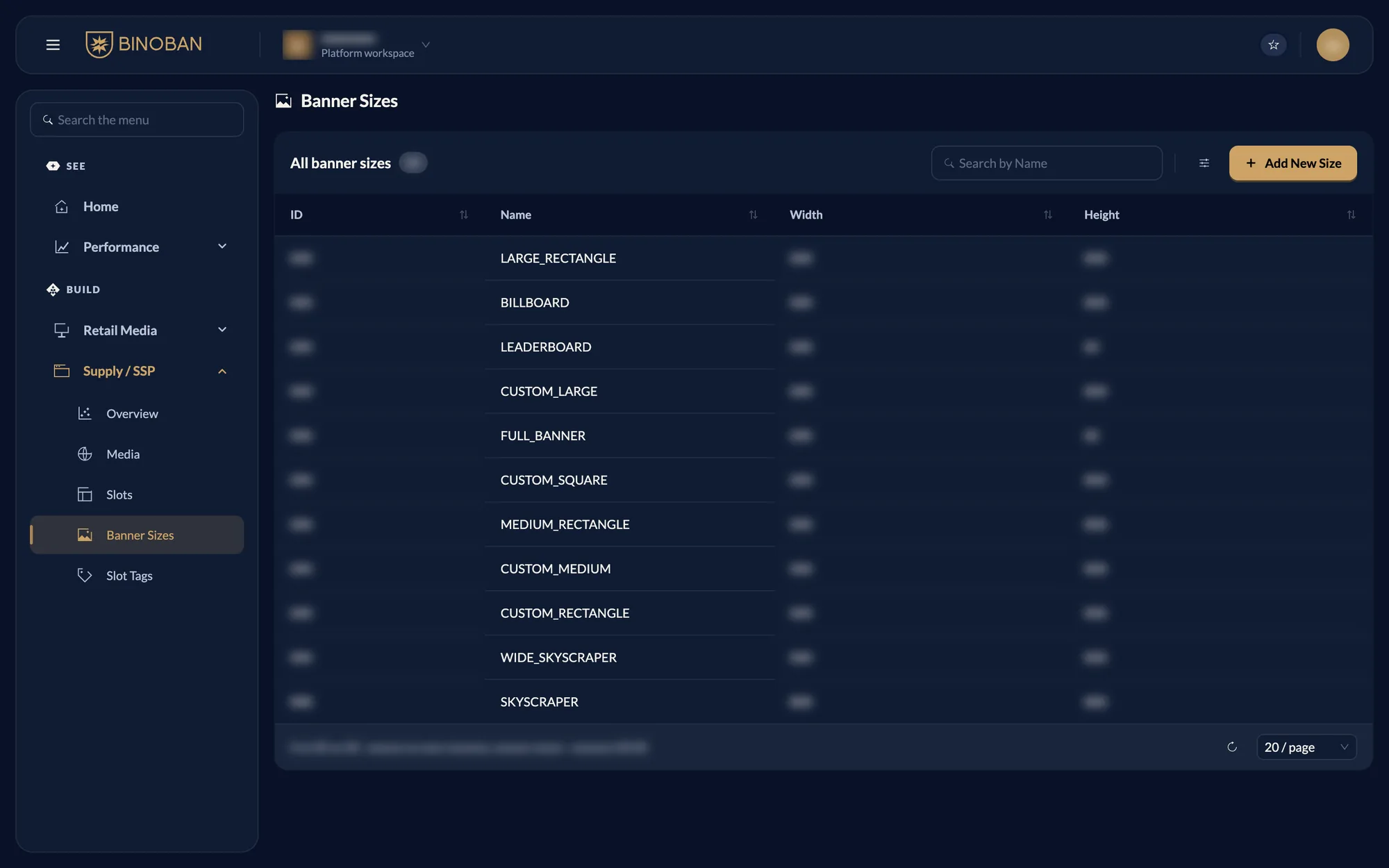
Banner Sizes
Lists each named size with its width and height.
Slot Tags
Lists the tags you can choose on a banner slot. Sponsored slots don't use them.